Documents
- Store all project files, plans, specs and contracts, in one clear place.
- Notify clients when new documents are uploaded.
- Track views to see who accessed each document.
- Clients always find the latest version, no confusion.

Nextcloud and Ziggu are connected by Ziggu. We build the connection and we run it. You keep working the way you already work, dropping files into folders, and the ones that belong to a client appear in that client's portal under the right category. Nextcloud stays your drive. Ziggu is the client portal, and no client ever gets a login to your storage.
A share link works once. It works badly for two years.
Internal folders are organised for the people who made them: working versions, superseded drawings, files that concern a different client, notes that were never meant to leave the office. Sending a link means either tidying a folder for every send, or trusting that nobody clicks one level up.
Neither is a system. The point of the connection is that the folder stays yours, messy and internal, and only what belongs to a client crosses the line, into a place where it is filed by category and stays findable years later.
Ziggu organises work as projects, and a project can hold one unit or hundreds. A unit is the smallest thing a single client has: one apartment in a development, one house, one fit-out, one order. Between project and unit sit optional levels, phases and lots and buildings, which large projects use and small ones never see.
If you run one job per client, your project and your unit are the same record and those levels stay invisible. Your Nextcloud structure mirrors whichever of the two you actually work with, which is why the folder conversation is worth having before you start.
The first column is the name your team knows from the app. The second is the endpoint a developer would call if you ever wanted to extend this on Ziggu's public API.
| What it is in Ziggu | Endpoint | Direction | When |
|---|---|---|---|
| The document, filed under the category that matches its subfolder | /documents, /attachment_categories | Nextcloud to Ziggu | On the schedule you choose |
If you would rather build or extend it yourself, the same endpoints are available on Ziggu's public REST API. Endpoint reference: Ziggu API documentation.
Most document integrations fail on adoption, not on technology. If sharing a file with a client requires opening a second tool, someone will skip it on a busy Thursday and the portal quietly goes stale.
Here the action a person has to remember is one they already do. Put the file in the right folder. The category is the folder name, the project is the parent, and the client is notified without anybody deciding to notify them. That is why the structure is worth ten minutes of thought at setup: it is the interface.
Your drive holds working versions, other clients and things nobody outside should see. Only what sits in a synced subfolder ever crosses.
The file a client wants at the end of a project is the one they were sent fourteen months ago. In their portal it is still there, under the category it belongs to.
Once documents attach to projects and units, so does everything else: decisions, reports, payment schedules. See how property developers use Ziggu.
No, and that is the point. They only ever see their own documents in Ziggu.
By the subfolder it sits in. The subfolder names match your document categories in Ziggu.
As often as you want it to. You set the frequency during setup, from near real time to a daily batch.
It arrives under the wrong category, exactly as it would in your own drive. The structure is the control, so it is worth agreeing on before you start.
Yes, by email or in the app when a new document is available.
Yes. Only the subfolders you map are synced. Anything outside them stays internal.
Last verified: 28 August 2026.
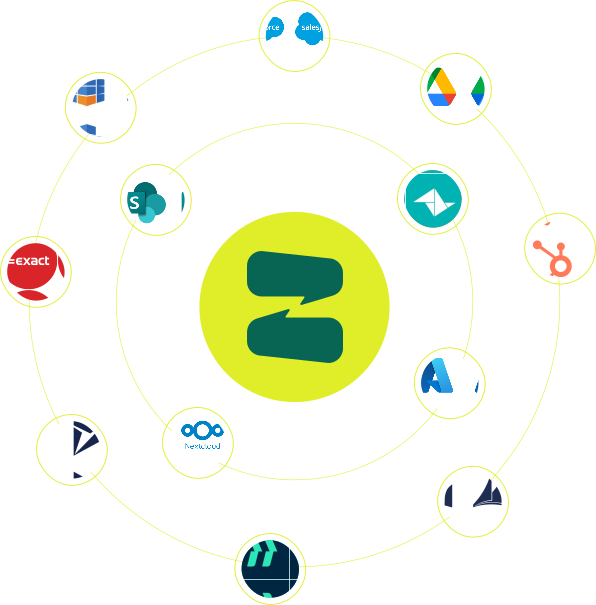
Ziggu already integrates seamlessly with a number of CRM, ERP and document management systems. Can't find yours? Contact us and we'll research the possibilities!
CONTACT US
