Documents
- Store all project files, plans, specs and contracts, in one clear place.
- Notify clients when new documents are uploaded.
- Track views to see who accessed each document.
- Clients always find the latest version, no confusion.

Salesforce and Ziggu are connected by an integration Ziggu builds and runs. It checks for changes every hour and performs a full sync once a day, so accounts, contacts, projects and the documents that belong to them arrive in Ziggu without anyone retyping them. Salesforce stays your single source of truth. Ziggu is where your clients see the part that concerns them, in a client portal that carries your branding rather than your CRM.
The failure mode of any CRM integration is two systems that both look authoritative and disagree. Someone corrects an address in the portal, someone else corrects it in Salesforce, and a month later nobody knows which one the invoice went to.
So Ziggu locks the fields it receives. Salesforce is where the record is maintained, and Ziggu shows it. If that does not suit how you work, the lock comes off and Ziggu becomes editable. That is a decision you make deliberately at setup rather than one you discover later.
ION described the point of it plainly in their own story: the connection was created to avoid having to enter client information twice. See how ION works with Ziggu.
Ziggu organises work as projects, and a project can hold one unit or hundreds. A unit is the smallest thing a single client has: one apartment in a development, one house, one fit-out, one order. Between project and unit sit optional levels, phases and lots and buildings, which large projects use and small ones never see.
If you run one job per client, your project and your unit are the same record and those levels stay invisible. If you deliver many inside one project, you use all of them. This is what makes the mapping the real work of the setup: it is where your Salesforce objects have to line up with the shape of your own delivery.
The first column is the name your team knows from the app, the second is the endpoint the integration writes to.
| What it is in Ziggu | Endpoint | Direction | When |
|---|---|---|---|
| Accounts, as the companies on a project | /companies | Salesforce to Ziggu | Hourly, full sync daily |
| Contacts, as the clients on a project | /customers, /unit_customers | Salesforce to Ziggu | Hourly, full sync daily |
| Projects, and the phases, lots, buildings and units inside them | /projects, /phases, /lots, /buildings, /units | Salesforce to Ziggu | Hourly, full sync daily |
| Documents and the category they are filed under | /documents, /attachment_categories | Salesforce to Ziggu | Hourly, full sync daily |
| Invoices, as instalments | /installments | Salesforce to Ziggu | Hourly, full sync daily |
| The invitation to the portal | Sent from Ziggu by your team | Manual | When you decide the portal is ready |
These fields are read-only in Ziggu unless you ask for the lock to be removed.
Shorter than you expect, because Ziggu does the building.
Your Salesforce administrator installs nothing. If you would rather build against the API yourself or have your own partner do it, that route is open too: see the Ziggu API documentation.
The sync is automatic and the invitation is not, on purpose. A project that has just been created is empty, and a client who walks into an empty portal has a worse first impression than one who has not been invited yet. Because inviting is a separate action, somebody checks what arrived, adds what is missing, and then opens the door.
Sales works the way it always has. The moment a client is recorded against a unit in Salesforce they exist in Ziggu, so the customer care team can invite them without copying an email address out of a CRM screen.
A development with three hundred apartments has three hundred clients, each with contact details that change, and the same is true of any business where the client list is long and never stands still. Hourly syncing means nobody maintains that list twice. See how property developers use Ziggu.
Because Ziggu is read-only by default, the portal cannot become a second version of the truth. Your Salesforce data stays the record, which is usually the reason a company with a mature CRM was hesitant about a portal in the first place.
No. No managed package, nothing in your org. Ziggu builds and runs the connection.
Incrementally every hour, with a full sync once a day.
No, and that is deliberate. The sync creates the project and attaches the client; someone on your team sends the invitation once the portal is ready to be seen.
Not by default. Synced fields are read-only so Salesforce stays the single source of truth. That lock can be removed if you want it.
Not in this connection. It moves data from Salesforce into Ziggu.
ION and Nextensa, both property developers running projects with many units.
The same approach applies to HubSpot, Dynamics 365, Teamleader Focus and Zoho, on their own routes.
Last verified: 28 August 2026.
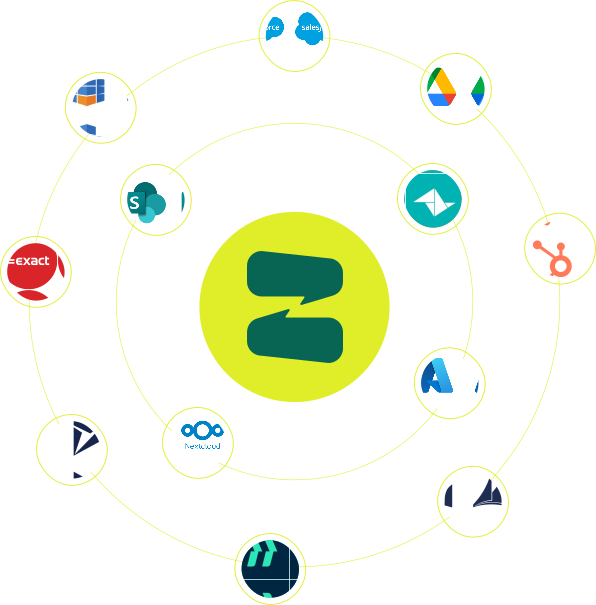
Ziggu already integrates seamlessly with a number of CRM, ERP and document management systems. Can't find yours? Contact us and we'll research the possibilities!
CONTACT US
