Client portal software for project-based businesses
One place for your clients to follow their project. Your logo, your colours, your name on every email.
Free 14 day trial. No Credit Card needed.

One place for your clients to follow their project. Your logo, your colours, your name on every email.
Free 14 day trial. No Credit Card needed.
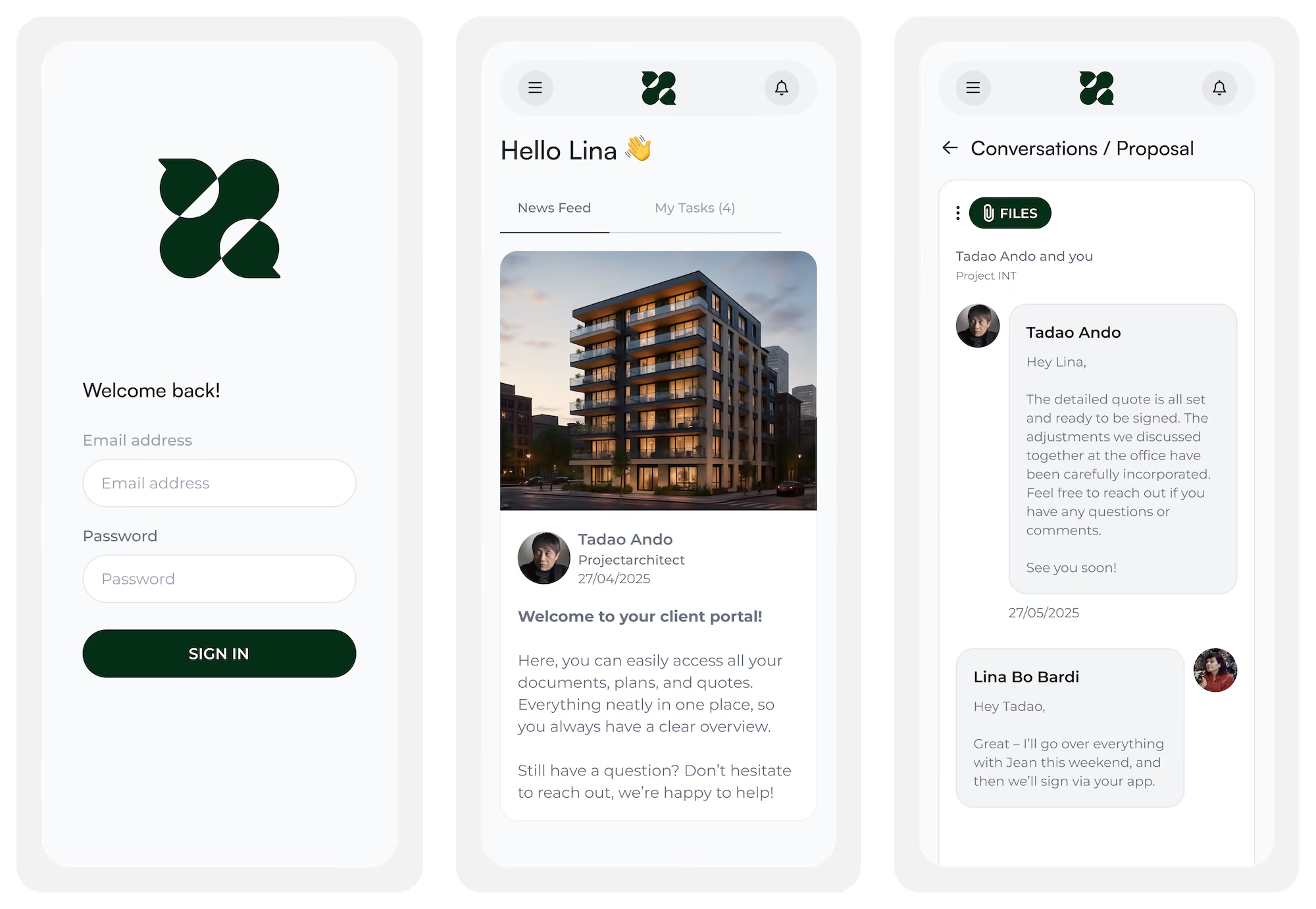
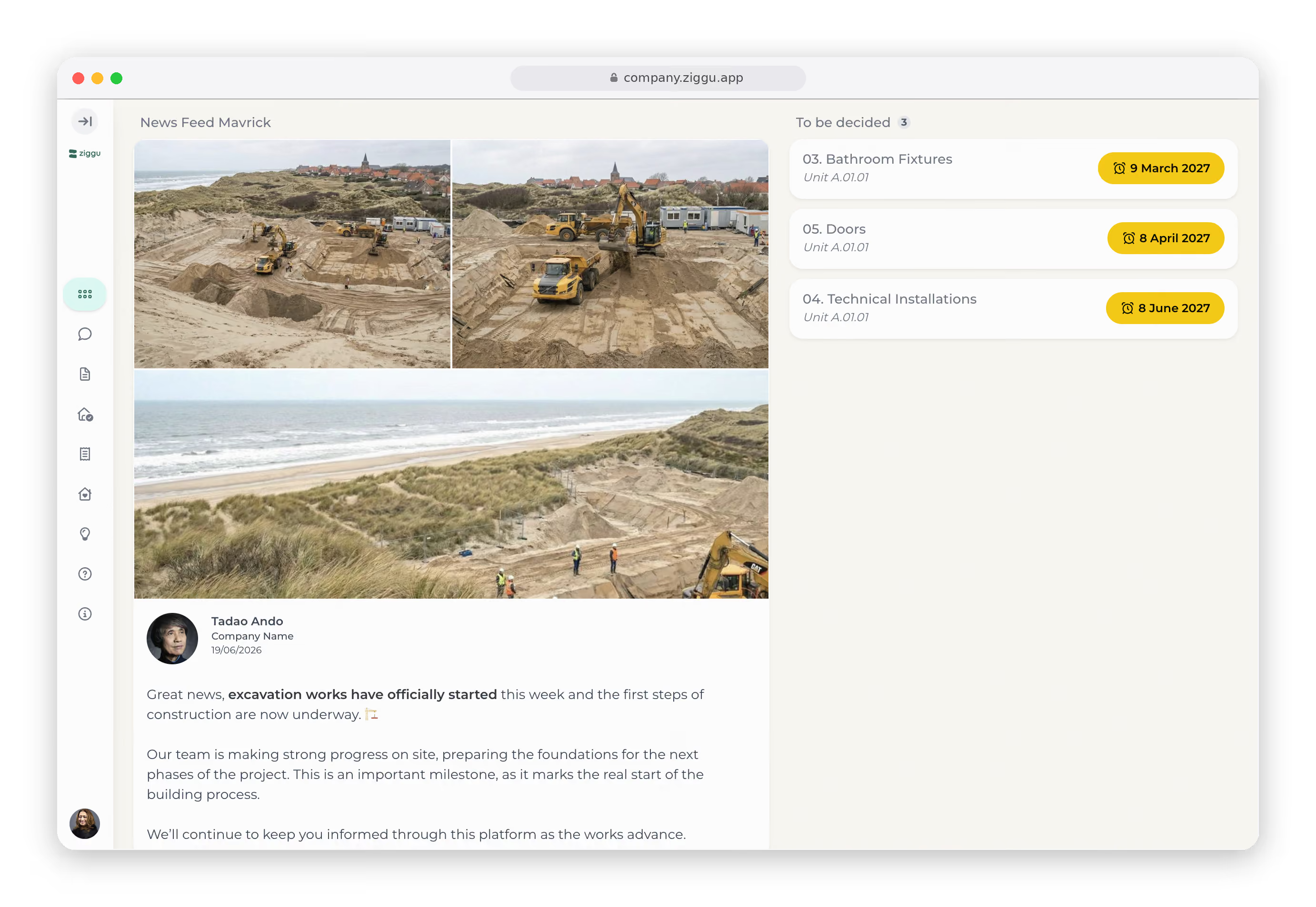
A client portal is a secure, branded space where your clients follow their own project: progress, documents, decisions and approvals in one place, around the clock. Project-based businesses use one so clients stop emailing to ask where things stand and start looking it up themselves. Ziggu is a client portal that sits on top of the project your team is already running, so the client's view keeps itself up to date.
Your clients get minute-by-minute tracking on an online pizza order. Their six-figure project gets radio silence between milestones.
So they call. They email. They ask the same question three different people answered last week. Inbox chaos isn't just annoying: it's the ceiling on how many projects your team can carry.















Tiles at showroom A, kitchen at partner B: every buyer choice comes back approved before the order goes out.
Client portal for property developmentA 'fine' said on site isn't a sign-off. Revisions and approvals live in one construction client portal.
Client portal for design and constructionRecipes, site plans and specs change hands in a secure space, not in an inbox anyone can forward."
Client portal for manufacturersThree weeks out, menu, layout and timing are approved, not scattered across mails. No surprises on the day itself.
Client portal for eventsSign-off lands on v3 itself, not on 'the blue one' in a mail thread. No revision-round dispute at invoicing.
Client portal for agenciesTiles at showroom A, kitchen at partner B: every buyer choice comes back approved before the order goes out.
Client portal for property developmentA 'fine' said on site isn't a sign-off. Revisions and approvals live in one construction client portal.
Client portal for design and constructionRecipes, site plans and specs change hands in a secure space, not in an inbox anyone can forward."
Client portal for manufacturersThree weeks out, menu, layout and timing are approved, not scattered across mails. No surprises on the day itself.
Client portal for eventsSign-off lands on v3 itself, not on 'the blue one' in a mail thread. No revision-round dispute at invoicing.
Client portal for agenciesSurveys, intake forms and structured details, collected once. No retyping into another system afterwards.
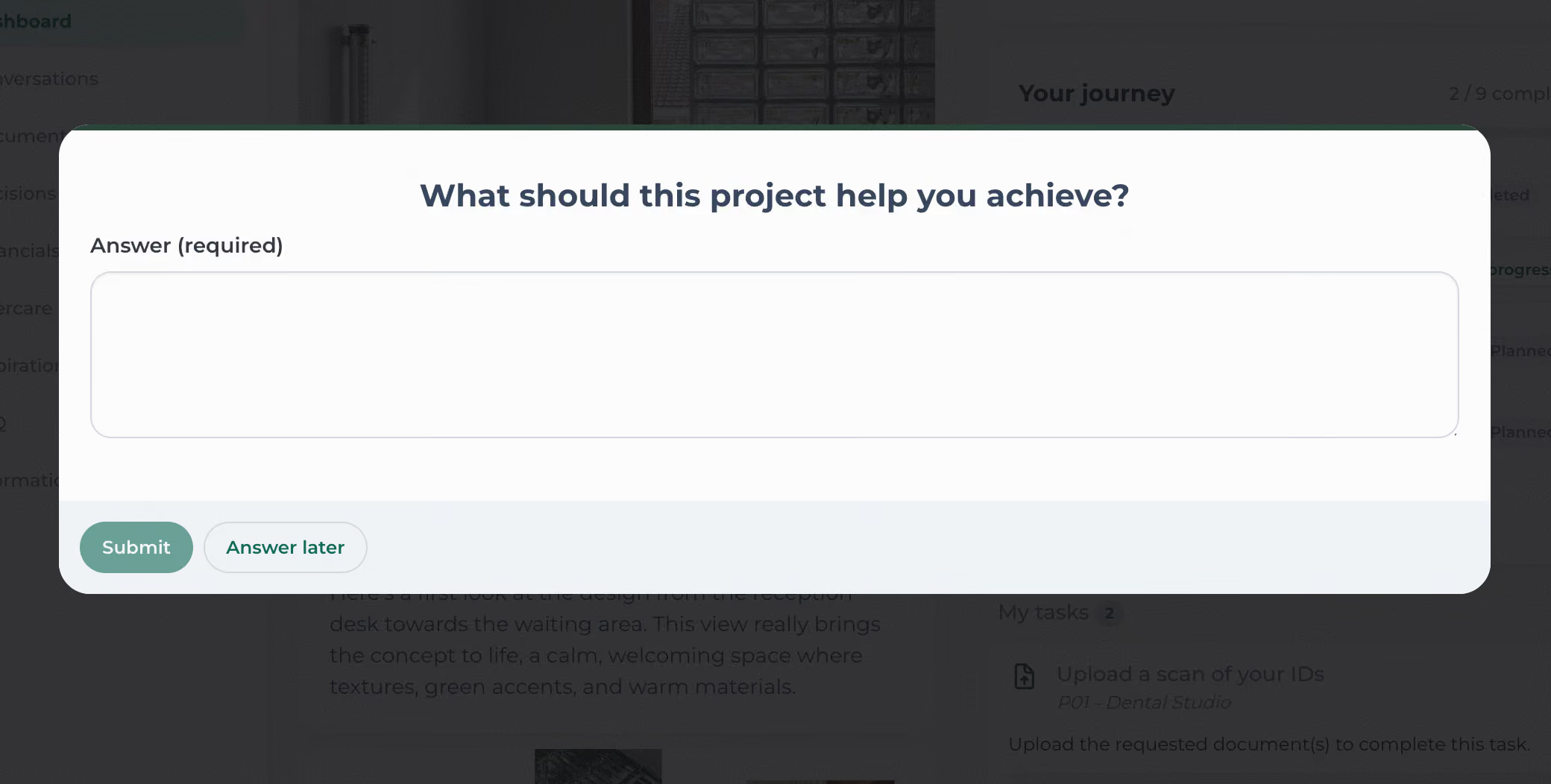
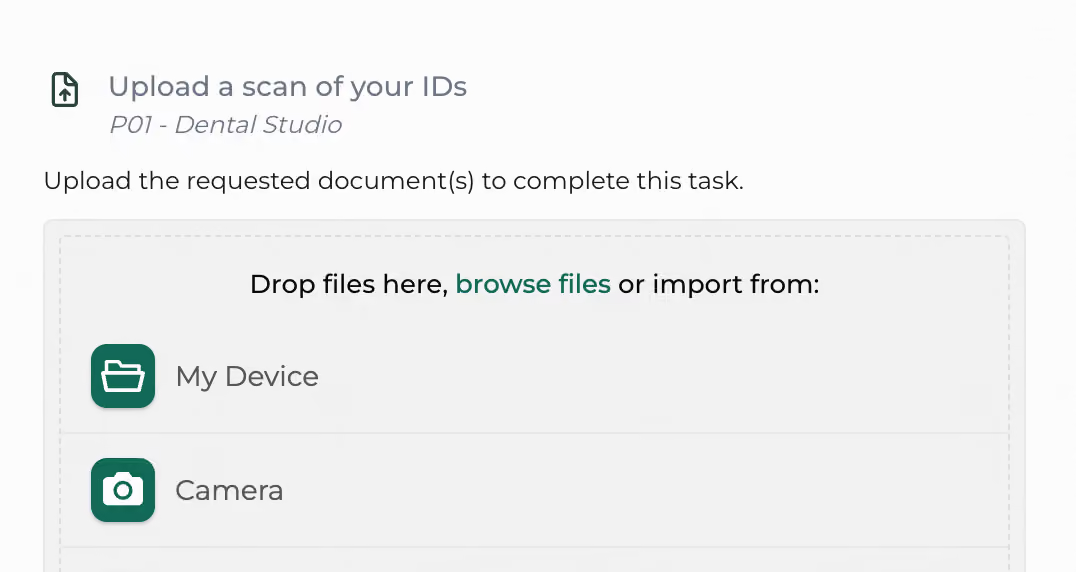
One link, quick signup. The intake form and its tasks go out on their own, so details and documents come back without chasing.
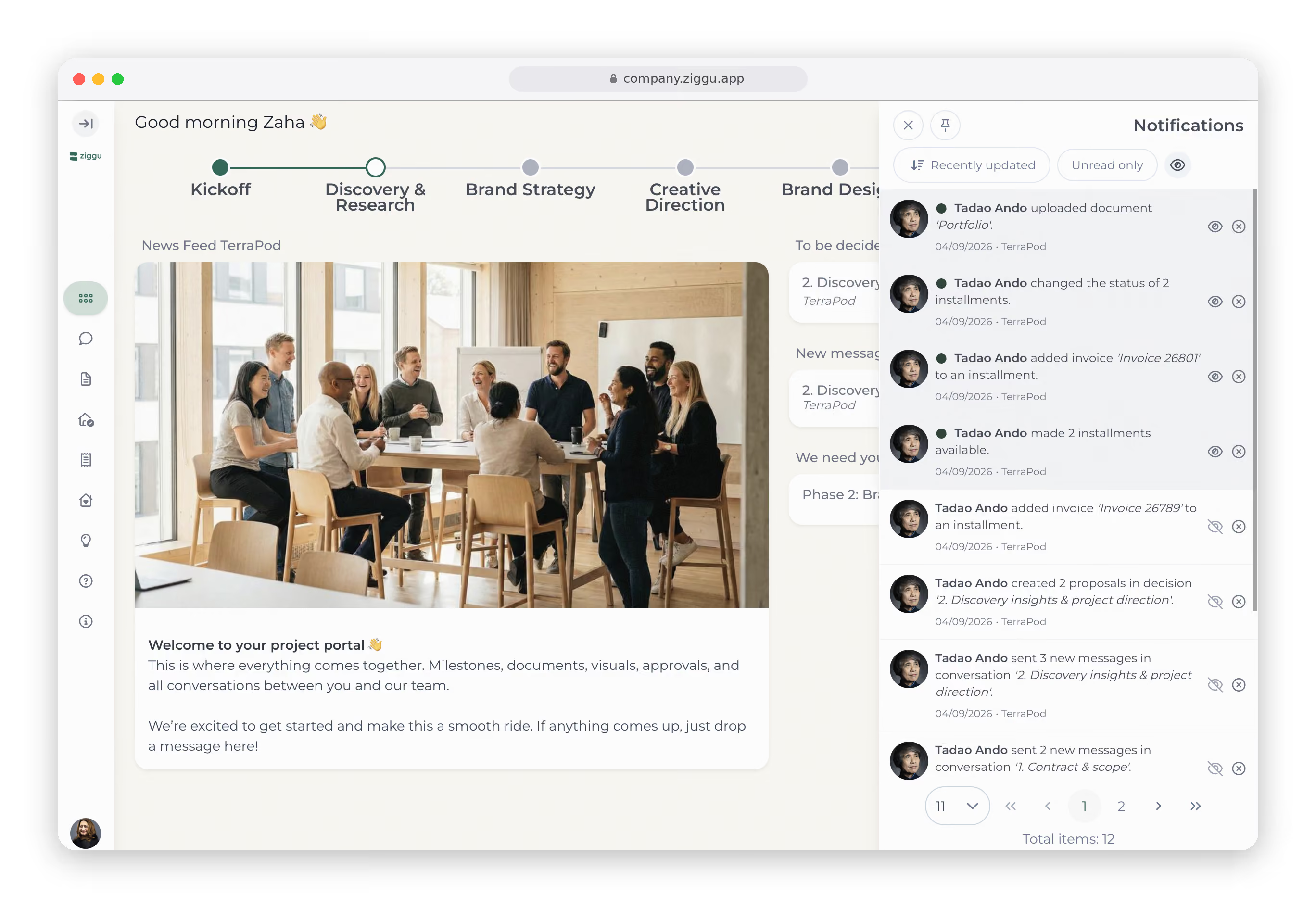
Progress, news and the next milestone update as your team works. A notification reaches them the moment something on their project changes.
A choice to make, a document to return, an approval to give, each with its date. At handover they sign off in the same place.
Every plan, contract, invoice and message in one place, current version on top. No digging through inboxes, no drive folder they cannot open.
A snag, a warranty question or a service request goes in through the same portal, with the project's whole history still attached.
Even the notifications and emails your clients receive carry your name, so there is no third party in the room. A white label client portal reads as an extension of your company, not as software you bought. 42,000+ clients log in to portals like that, and most of them have never heard our name. That's the point.
BOOK A DEMOA secure client portal is table stakes for the industries we serve. What that means in practice:

“Just checking in” x 12
Four email threads to find one PDF
"Can you resend that link?"
You, forwarding files like it’s 2008
.avif)
Clients log in, check updates, and stop chasing
Everything they need, in one clean space
Real-time status, no confusion
You look calm, organized, and actually in control
With Ziggu, two customer advisors are enough. Without it, we’d need at least three. We used to track everything in Excel. Now we see at a glance where a buyer, showroom or contractor needs a nudge.

Ziggu gives us peace of mind - what’s on the platform is the truth. There’s no room for discussion anymore

Thanks to Ziggu, I can now follow up on up to 120 apartments per year - before it was 80 max. That simply wasn’t possible without it

ION strives for the best quality in the shortest amount of time possible and Ziggu fits perfectly within that philosophy

With Ziggu we preserve our own style, but our global project approach gets a solid upgrade

If a colleague is absent, someone else can take over without having to figure out what has already been said or shared

Before we implemented Ziggu, we had been struggling with the abundance of information shared between customer and developer

Building your own portal might seem like a smart investment - but it rarely stops at launch. Technology, security standards, and privacy laws evolve constantly. That means ongoing maintenance, updates, audits, and bug fixes. Not to mention the pressure of keeping sensitive client data safe.
Ziggu takes that weight off your shoulders. It’s a fully managed, GDPR-compliant platform used by industry leaders - including publicly listed companies - so it’s built to meet the highest standards. You get regular updates, new features, and robust security out of the box - without the hidden cost of managing it all yourself.
A folder stores files. It cannot tell a client where the project stands, cannot record that they approved something, and cannot stop them from opening the folder next door. A client portal does all three: project status the client checks whenever they like, decisions logged with a name and a date, and access set per project so clients see their own work and nothing else.
Guest access lets a client into the tool your team works in. They see your board, your task names and your internal back and forth, and your first meeting goes on explaining how the tool works instead of how the project is going. A client portal works the other way around. Your team keeps its own workspace, and the client gets a view built for them: progress, documents, and the decisions waiting on them, in your branding rather than the software vendor's. Access is set per project, so nothing internal leaks by accident.
Yes, and that is the design brief. Clients get one email with a link, one screen and no manual. There is nothing for them to install and nothing to configure. The learning curve sits with your team, not with your clients.
They still get the message. Every update, document and decision request also goes out by email in your branding, with a link straight back into the client portal. Clients who prefer email keep getting email. What changes is that the answer now lives in one place, so the next person who asks can look it up instead of asking you.
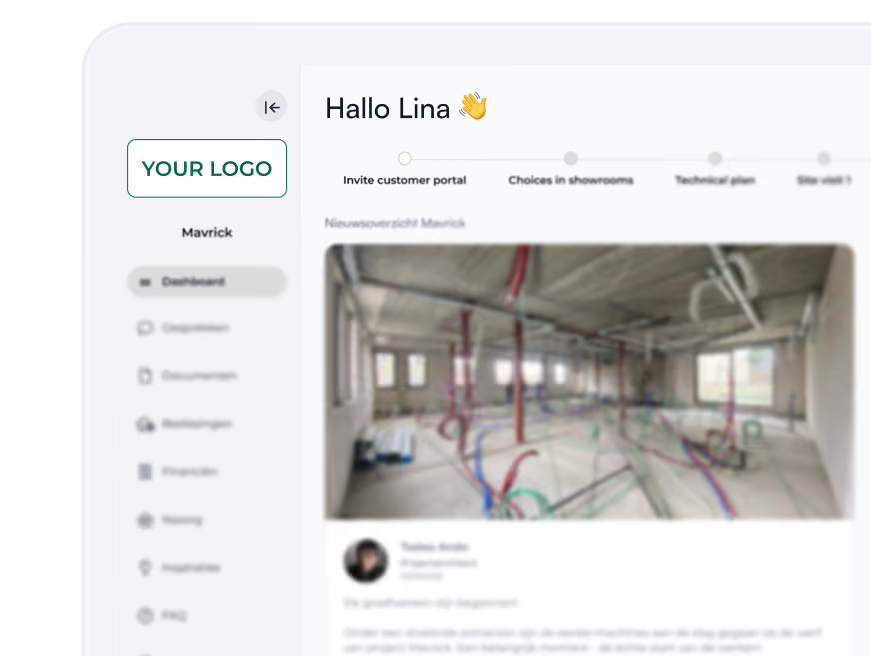
Yes. Your logo, your colours, and a branded app your clients can install on their phone. The emails and notifications they receive carry your brand too, so the whole thing reads as an extension of your company rather than as software you bought.
Every decision is stored with who confirmed it and when. On top of that, every action by every user is logged, and that log is one record both you and your client can open. Neither side can quietly change it afterwards. It will not stop a disagreement from starting, but it ends one a lot faster.
Pricing is based on the number of active projects (or units if you have the multi-unit add-on) - not per user. You shouldn’t have to think twice about who gets access. For a project to run smoothly, everyone involved should be in the loop. Check our pricing page for more details.
Absolutely. We’ll even help you set it up. Book a demo and we’ll get you started.
No. Inviting clients is free, however many you invite. Pricing is based on active projects, not on how many clients sit in them, so the cost does not move when a project has two clients or twenty. Full details on our pricing page.
You take it with you. When a contract ends you get a complete export of all your data and documents, in formats other systems can read. GDPR deletion and portability rights are honoured in full, and our own team cannot open your data unless you grant access from inside your account.
Ziggu plugs into your existing tools. No more copy-pasting, file re-uploading, or “did anyone update the other system?” Everything stays connected, automatically.
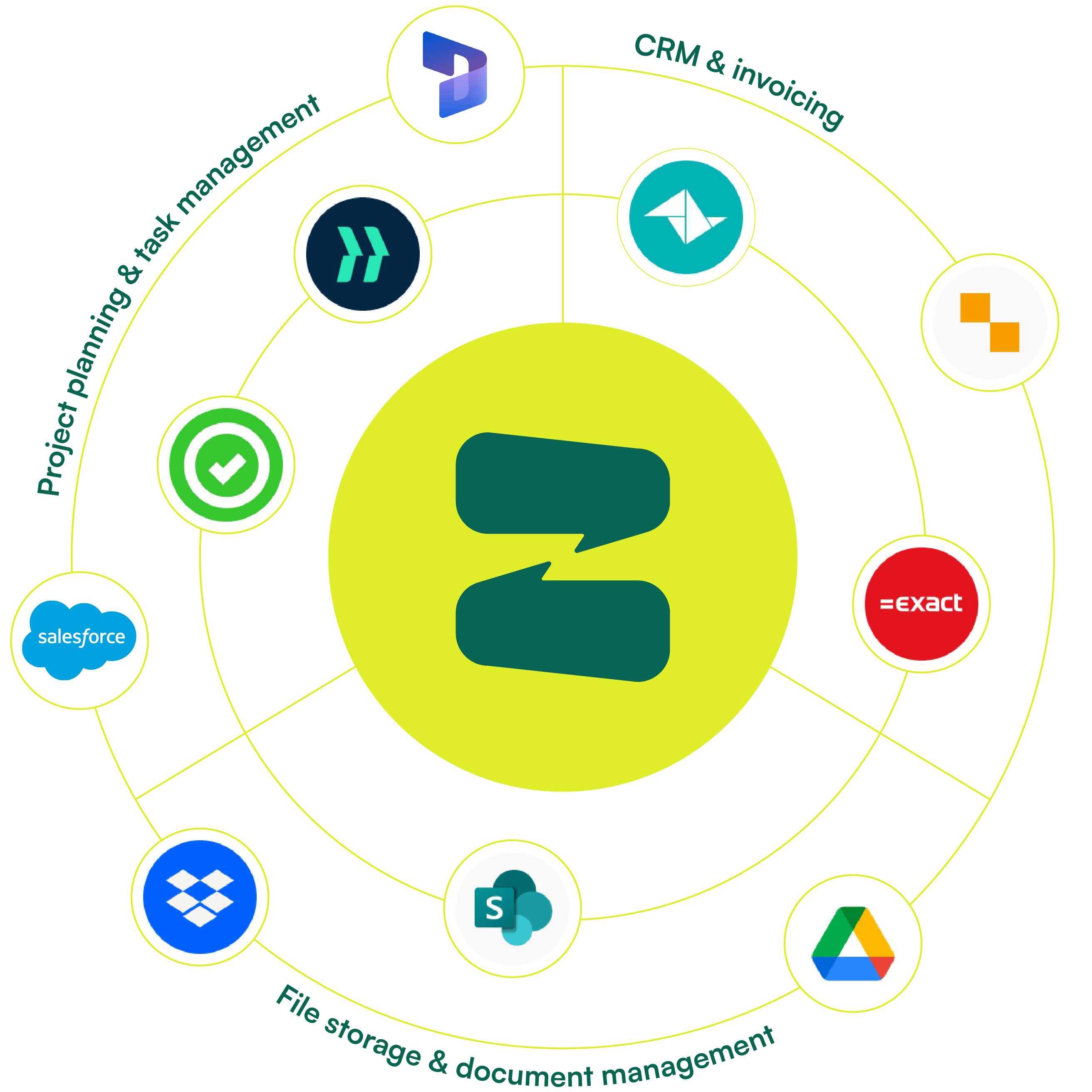
How your team runs the project the portal shows.
Plans and prices, explained without a sales call.