COMING SOON: Workflows & Automations

Activate a milestone, and the rest runs itself.

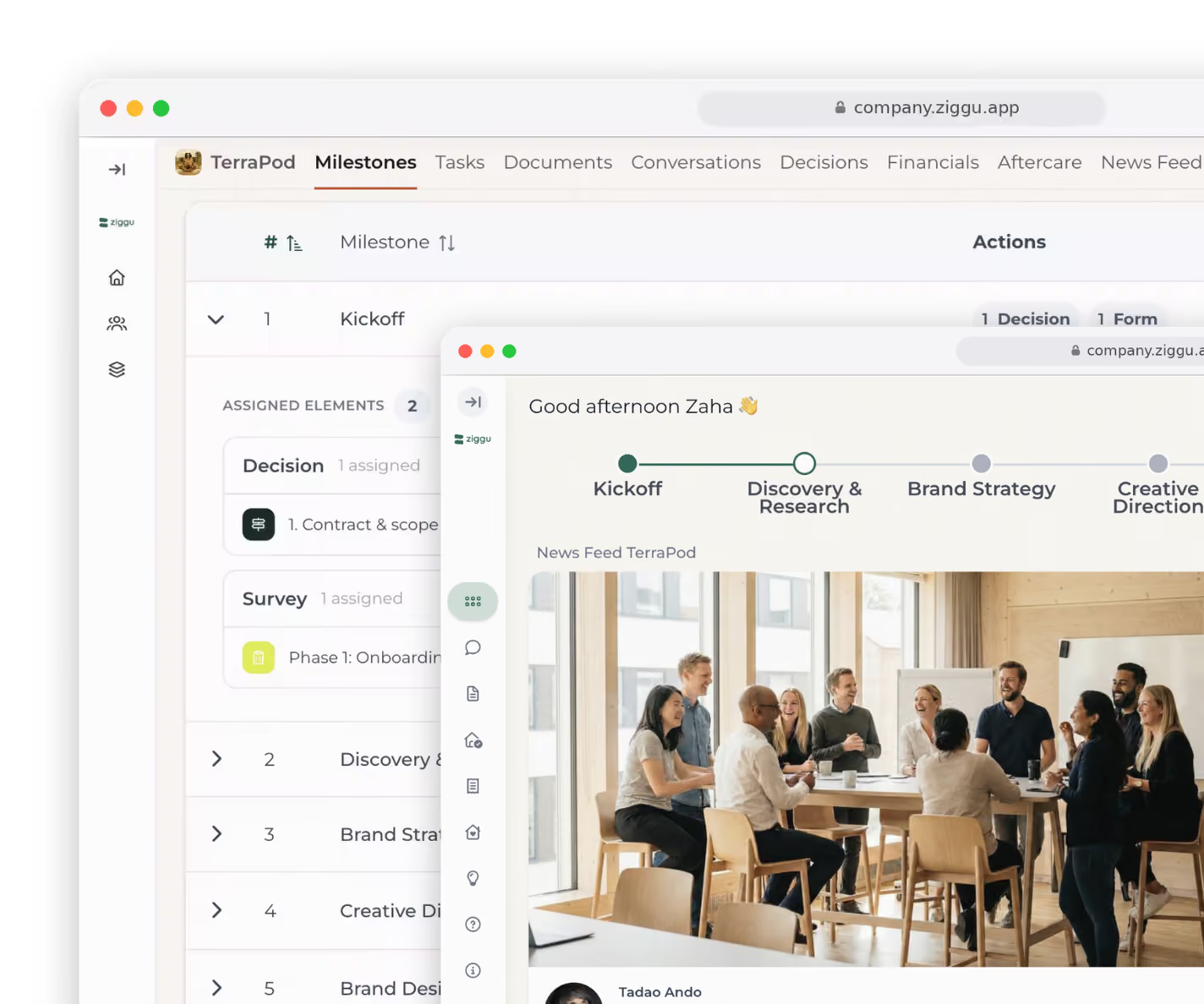
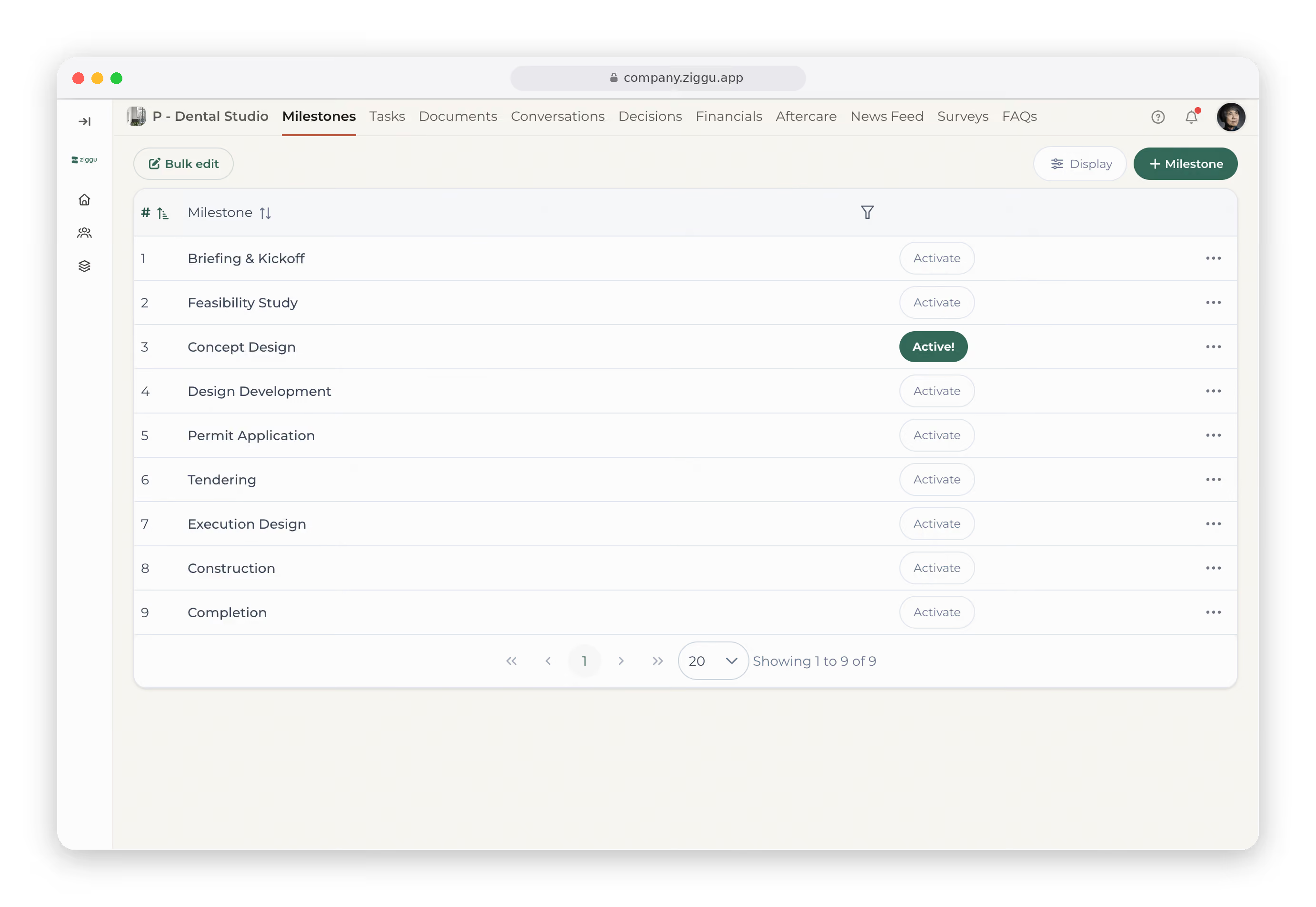
Build your project around milestones, then hang the right tasks, decisions, messages and forms on each one. Activate a milestone and they roll out on their own, so nothing waits on you and every project runs the same way.

Free 14 day trial. No Credit Card needed

Rated 4.7/5 by 2,500+ companies.

Every action in your project, launched at the right time.

Milestones are the backbone of every project in Ziggu. Here's how the work hangs off them, and runs off them.

Split every project into milestones

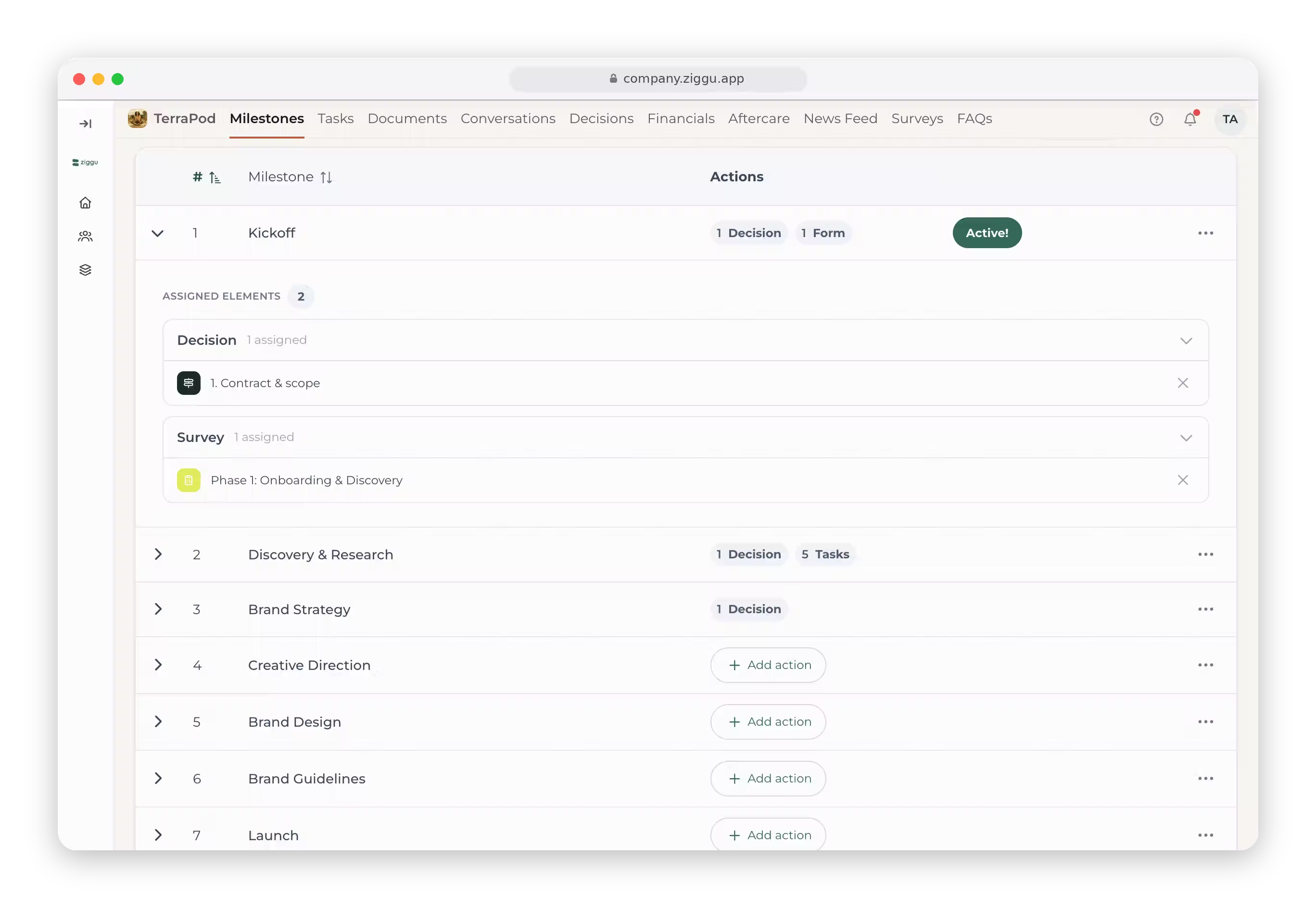
Break each project into phases, from kickoff to delivery and aftercare. Your milestones are the backbone every other step hangs on.

Hang the right actions on each milestone

Tie tasks, decisions, messages and forms to the phase they belong to. Pull them from anywhere in Ziggu and set them up once.

Activate a milestone, everything fires

Turn on a milestone and everything attached to it goes out at once: tasks assigned, messages sent, decisions requested, forms shared.

Every action finds the right person

Send each step to your team, your client or a partner. The right thing reaches the right person, right on time.

Free 14 day trial. No Credit Card needed

Ziggu gives us peace of mind - what’s on the platform is the truth. There’s no room for discussion anymore

Laura Callewaert
Interior Architect, Hoprom

Thanks to Ziggu, I can now follow up on up to 120 apartments per year - before it was 80 max. That simply wasn’t possible without it

Judith Wauman
Project Manager, Bauwsteen

ION strives for the best quality in the shortest amount of time possible and Ziggu fits perfectly within that philosophy

Elke Deceuninck
Customer advisor, ION

If a colleague is absent, someone else can take over without having to figure out what has already been said or shared

Valentine Van Malleghem
Head of Residential Projects Advisory, Immobel
What you'll stop doing by hand.
At onboarding, send your client a form that collects everything you need to start.
Give your client a checklist for each phase: what to deliver, by when, ticked off as they go.
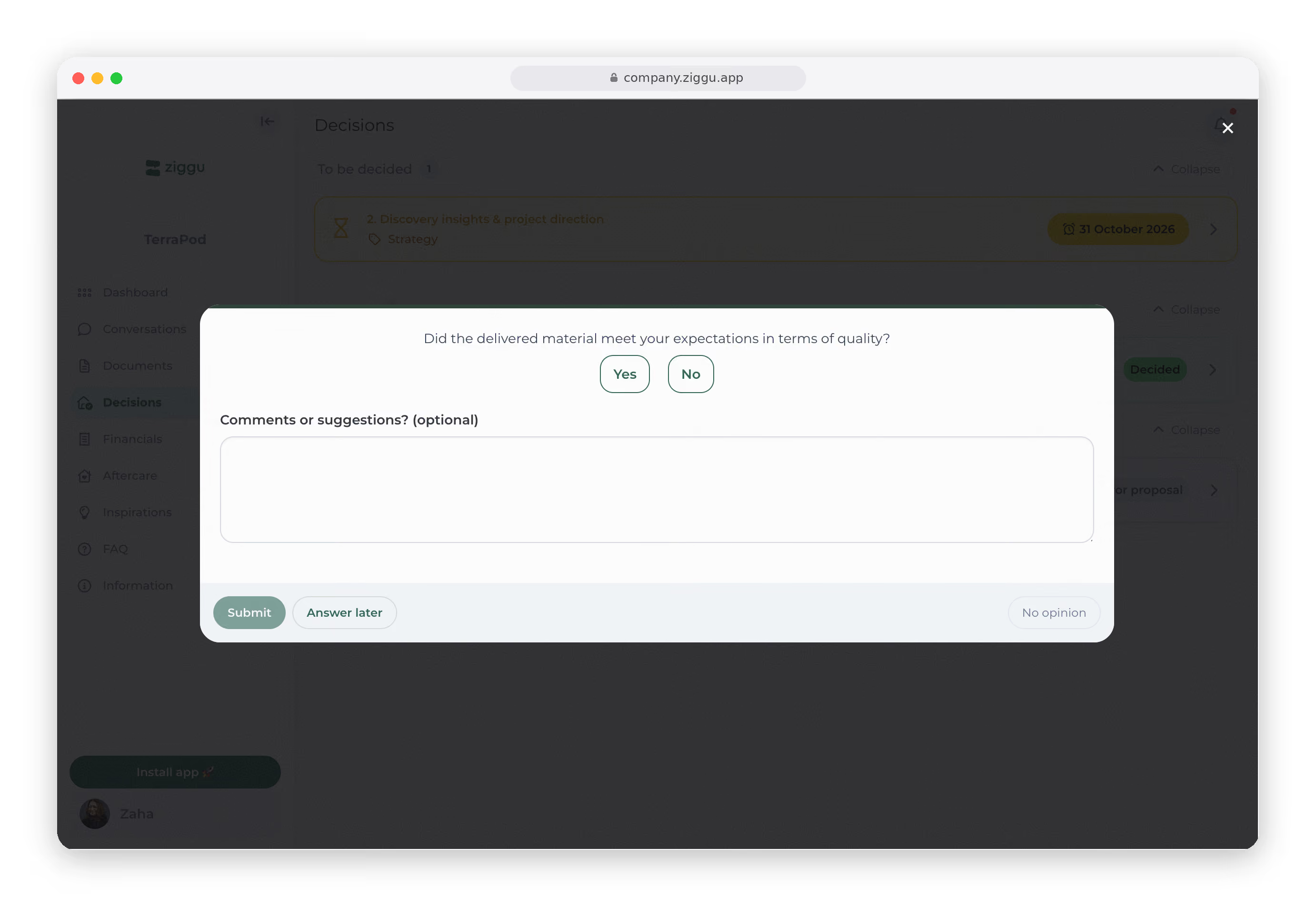
At the right step, ask your client to approve, with an automatic reminder if they go quiet.
Finish a milestone and your client sees it on their timeline, so you skip the 'where are we?' email.

Workflows are just
the beginning.

But a project is more than a workflow. Ziggu brings the whole project together, so your team, your clients and your partners always work from the same place.

Integrations for
the tools you already use.

Connect your ERP or CRM and new projects and clients land in Ziggu automatically, kicking off the workflow from the first milestone. No manual setup, no double entry.

By hand, or automated. One of them scales.

Too good to be true?
We get that a lot.

In 30 minutes, we’ll walk you through how Ziggu works.

See what else you can achieve with Ziggu

Ziggu centralises every aspect of your project communication, approvals, and documentation so nothing gets lost.

Documents
  • Keep every file, plan, spec and contract in one clear place.
  • Notify clients when new documents are uploaded.

  • Track views to see who accessed each document.
  • Clients always find the latest version, no confusion.
Conversations
  • Keep messages with clients, partners and your team in one place.
  • Assign conversations to teammates for faster responses.
  • Use internal notes to align with your team behind the scenes.
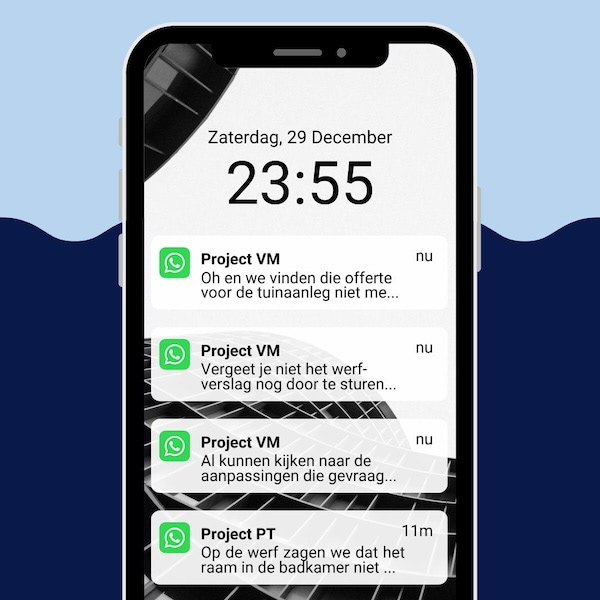
  • One central inbox, no scattered chats or missed replies.
Decisions & approvals
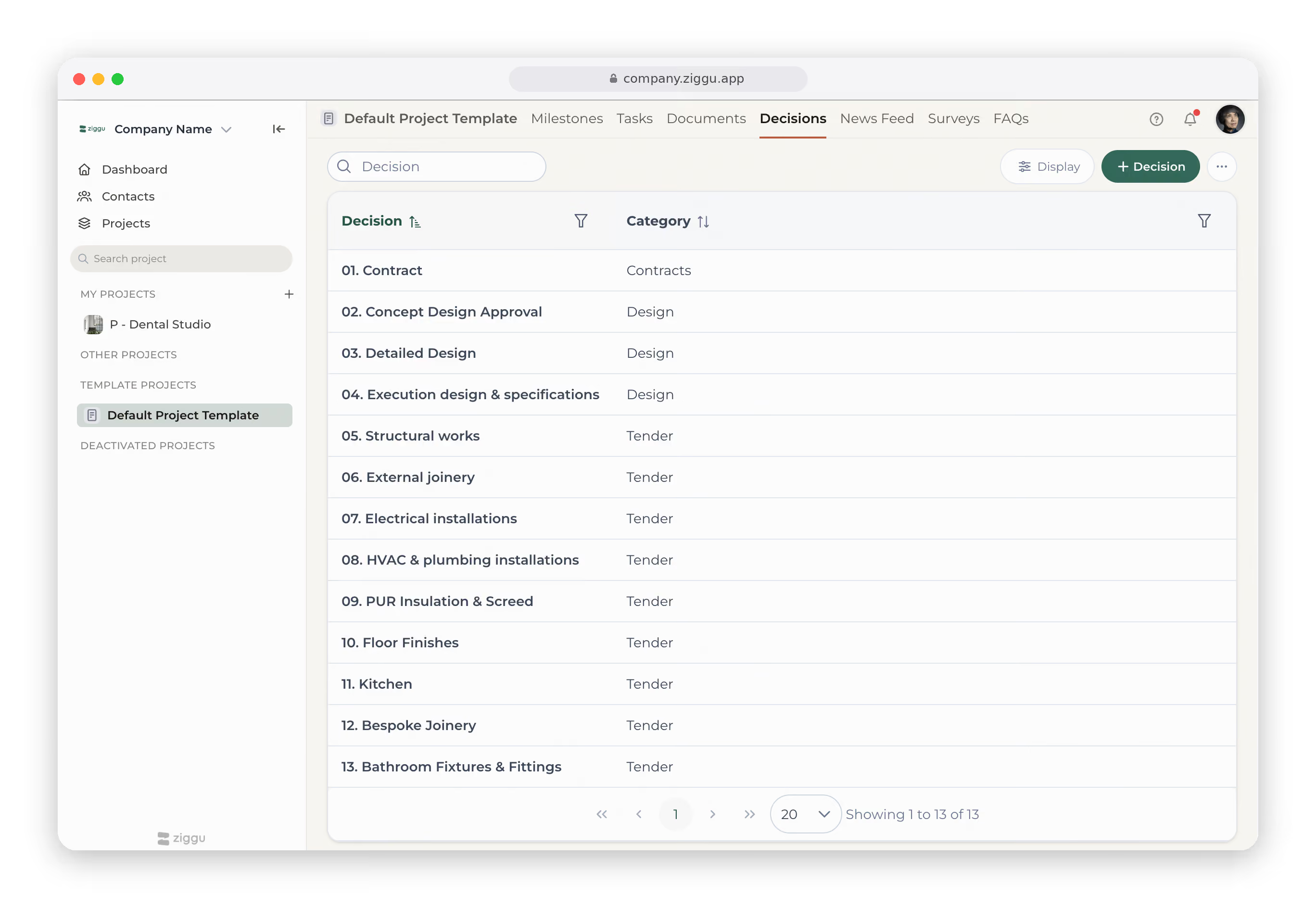
  • Upload multiple proposals for clients to compare and approve.
  • Let clients choose directly in the portal, fast and simple.
  • Track every decision to avoid disputes or miscommunication.
  • Use reminders to nudge clients and keep projects moving.
Workflows & automations
  • Build a project timeline once and reuse it for every project.
  • Link tasks, messages, decisions and documents to milestones.
  • Notify the right people automatically, at the right time.
  • Trigger each step and share the right update automatically, per phase.
Task management
  • Assign tasks to clients, suppliers, or team members with deadlines.
  • Automate reminders so no steps are forgotten or delayed.

  • Standardise your process to keep complex projects under control.
  • Get a full overview of what's done, and what still needs doing.
Forms
  • Build multi-question forms to collect client input.
  • Send them at the right moment, with reminders.
  • Run intake forms so projects start with everything you need.
  • Track satisfaction and NPS across every project.

Client updates
  • Post project news clients can follow at a glance.
  • Give clients a clear milestone timeline to follow.
  • Share a real-time budget overview, anytime.
  • Keep clients informed without the update emails.
Reports
  • Log issues with photos, notes and details in one place.
  • Assign each issue an owner and a deadline.
  • Let clients submit support requests directly in the portal.
  • Get client sign-off that an issue is resolved.